Latest posts from Codename One.
Blog
Insights, release updates, tutorials, and engineering notes from the Codename One team.

Crisp cn1lib
Crisp powers the chat button in the bottom right portion of our site. It also handles emails and a host of other great features. One feature we didn’t take advantage of is the mobile app support. To solve that we just issued a new Crisp cn1lib which we integrated into the new versions of our Android and iOS apps. You can install it yourself using the extension manager and use it with the instructions here. ...

Build App on iOS
We launched the Codename One Build App beta on Android last week and now we have a public beta for iOS as well. You can sign up to join the public beta through this link. Notice that you will need testflight on your device to join the public beta test. As is the case with the Android version please let us know if there are issues you experience in the issue tracker. The app mostly “just worked” on iOS but getting through the approval and submission process is always a pain. As part of that work we also improved the tablet UI which makes the app very usable on the iPad. ...

TIP: Obfuscation Mapping File
Proguard is one of the most disliked aspects of Android programming. Developers attack it left and right because there are so many nuances to it. That’s a huge mistake, proguard is one of the most important tools in our development toolchain. It makes our apps slightly more secure, much smaller and even slightly faster. Codename One apps use proguard by default for Android. This is a huge benefit in our case because the limits related to obfuscation are very similar to the limits related to portability. ...

Switch, Progress and Pull to Refresh
Some of our older components were developed years ago. As Android and iOS slowly converged their UI paradigms we got stuck supporting odd/outdated functionality as designs shifted. Three great examples are pull to refresh, OnOffSwitch and the InfiniteProgress features. OnOffSwitch contained labels both in iOS & Android. On Android it was literally a button that was moved back and forth. Today both OS’s use a simple switch graphic. When we developed the original component we didn’t have the same level of graphic drawing capability that we have today, that made the design of the iOS version even harder. ...

Build App Beta
One of the big “behind the scenes” motivations for our big build cloud migration was new server API’s. We now have a completely new backend and this made it easier to build a completely new Codename One App christened as “Codename One Build”. This app is currently in public beta on Android which you can opt-into here. Once we feel good with the Android version we’ll push out versions for iOS and maybe UWP if there’s demand for that. ...

TIP: Fix Issue with Missing Builds
A while back we announced the migration to the new build cloud. The migration worked very smoothly and mostly seamlessly but there was one caveat: client libraries must be up to date. This is a confusing point so hopefully this long overdue post will clarify it. The core of the problem is CodeNameOneBuildClient.jar. It’s a relatively simple jar with a few ant tasks that performs a lot of “under the hood” services such as sending the build to the cloud. It’s shipped within the IDE plugin and old versions of the IDE plugins would replace it automatically. We now update it via the update framework which is better but might cause a few issues. ...
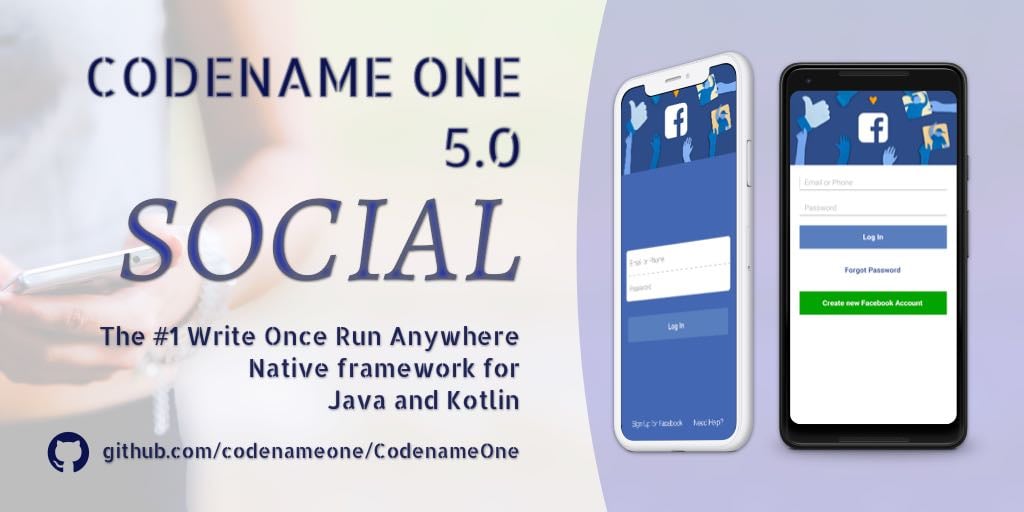
Codename One 5.0 "Social" is now Live
We are thrilled to announce the release of Codename One 5.0 – Social. Codename One is an open source “Write Once Run Anywhere” mobile platform for Java and Kotlin developers! We postponed the release of this version since it’s so packed with big changes. We made CSS a first class citizen in Codename One and made CSS updates live (no recompile necessary). We moved from screenshots in iOS launches to storyboards. Added support for newer JDK’s. Migrated to Android API level 27. Moved our entire build server infrastructure. Redid push notification and so much more… ...
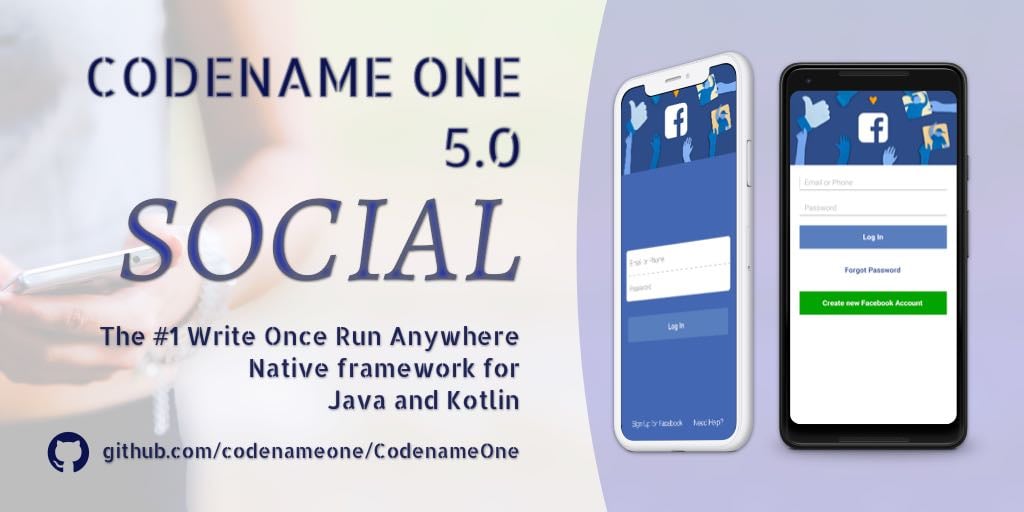
Codefreeze for Codename One 5.0 – Social
Codename One 5.0 (Social) will launch next week, to keep the code stable we are entering a week long code freeze. Please update your plugin installs frequently and report bugs immediately so we will have a stable release! We’ve added a lot of new features to 5.0 but a few of the big things are pretty disruptive: OpenJDK Support with JDK 9, 10 & 11 support XIB Build Mode ...

TIP: Auto Reconnect Web Socket
WebSockets changed the way I do networking code. I combine them with WebServices to get the best of both worlds. But they still suffer in terms of reliability. With WebServices we have retries and a mostly transactional model. There is no permanent connection that should be re-established. With WebSockets a disconnect can be painful, up until recently I used a rather elaborate strategy of error detection and timers. With the latest update to the WebSocket cn1lib we now have a better solution: autoReconnect(int). ...
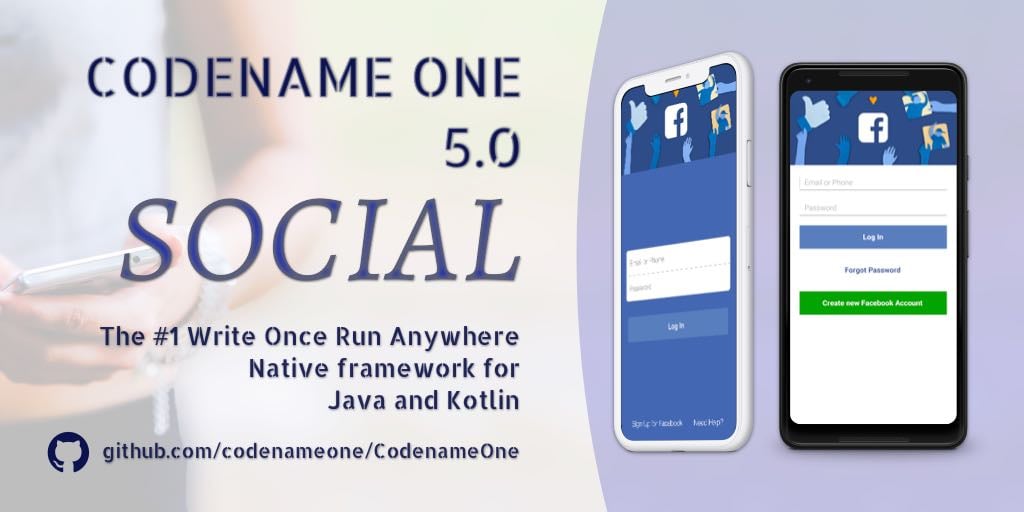
Preparing for Codename One 5.0 – Social
Codename One 5.0 AKA Social will launch on September 19th. We pushed this release back to include support for crucial features such as JDK 11/OpenJDK support. With these features in place and a slew of other features we are gearing towards 5.0 GA. Tomorrow (Friday) we will push out plugin version 4.5 for all IDE’. This new version is effectively release candidate 1 for the 5.0 version. Normally we don’t bother with a release candidate this close to an actual release as the plugins don’t change much. However, we made some extensive changes to the plugins recently and we’d like to make sure we didn’t break too many things before the release. ...

Removing the Old Preferences
A while back we introduced Codename One Settings which superceded the old approach built in the IDE itself. This allowed us to consolidate code and move faster. That’s how we were able to implement more wizards for things like CSS support etc. Up until now we just left the old UI in place. People are still used to it. But it has a lot of bugs and causes confusion as developers launch the old UI instead of the new one. So with version 5.0 we’ll remove the old preferences UI and leave Codename One Settings. ...

TIP: Activate via URL and Send Arguments
The most secure password in the world is the one that doesn’t exist. You remove the user from the equation with a completely random key. To be fair this has some drawbacks and a password still exists somewhere (in your phone/email) but generally this works rather well… The trick is simple, if we want to authenticate a user we can email him a single use URL e.g. mycoolapp://act-32548b09-d328-4330-8243-d7d30c322e40. As you can see that’s pretty hard to guess or brute force. Once clicked the URL becomes invalid so even if it’s exposed somehow it would still be irrelevant. To do this we need two parts: ...